The work starts at home.
A roof assessment. An appliance repair. A move-out clean. Every home brings a different request.

REQARO by ATLAS AI
The review-first front office for home-service teams.
Built around the way you work.
Customer requests arrive incomplete, scattered and easy to miss. REQARO turns them into clear, trade-aware work your office can review and move forward.
A structured plan. Your team stays in control.
HVAC · Plumbing · Electrical
Garage Doors · Appliance Repair
Roofing · Remodeling
Landscaping · Cleaning · General Home Services
THE JOB ISN’T THE ONLY WORK
A request in your inbox. An estimate that needs following up. A homeowner waiting for a time window. None of it gets easier while your crew is on the job.
REQARO connects those steps without asking you to replace the tools your business already knows.
A CONNECTED FRONT OFFICE

Illustrative service request
A roof assessment. An appliance repair. A move-out clean. Every home brings a different request.
The service scope, property details, ZIP code and preferred window. Turn a scattered inquiry into a useful handoff.
Review the reply and estimate. Check availability. Confirm the next step only when your team is ready.
Try the complete examplePROVE THE FIT BEFORE PRODUCTION
Request a no-cost evaluation around one trade and one office process. We confirm the scope, access requirements and start date before setup; synthetic or approved test records are used for verification.
No live customer data until service scope, permissions, data-processing terms and acceptance checks are complete. An NDA can be agreed before confidential implementation details are shared.
Request a guided pilotDON’T JUST READ ABOUT IT
Review the details, prepare an estimate and organize the next handoff with sample data.
 APPLIANCE REPAIR · ILLUSTRATIVE SCENE
THE REQARO WORKFLOW
Bring the request, location and service details together.
Identify missing details and prepare the scope with your prices.
Review the reply, scope and preferred time window.
Track the approved next step and office handoff.
WHAT REQARO CAN DO — AND WHAT STAYS WITH YOU
Move faster without hiding who makes the decision. REQARO can organize and prepare the work; your business keeps authority over customer commitments.
Never auto-send a price, book a job or give hazardous guidance when required evidence, authorization or provider confirmation is missing.
See connection and acceptance gatesHOW APPROVAL WORKS
An automated intake can still leave the decision with your office. Every request follows the same path, and only one step in it can reach a customer: the one your team approves.
Email or web form. REQARO gathers the details in one place.
AutomaticMissing information, service area and safety wording are flagged. A safety case goes to a person, never to a reply.
AutomaticA draft reply and up to three suggested time windows, based on your working hours, wait in your workspace. Nothing has been sent or booked.
Prepared, not sentEdit, approve or discard. Prices, promises and appointment times are only ever yours to give.
Your teamThe approved reply is sent from your own connected mailbox. Booking a visit in your calendar stays a separate step your team confirms.
After approvalSending needs your own Google Workspace or Microsoft 365 connection, confirmed per business before use. It is not active in this preview. Time-window suggestions use your working hours, not your live calendar. REQARO is a preparation and review layer, not a legal, safety or pricing authority.
WHERE REQARO FITS
Field-service platforms run the schedule. AI receptionists pick up the call. REQARO owns the step in between: turning every inbound request into a reviewed, trade-specific next move.
Jobber, Housecall Pro, ServiceTitan, Workiz, FieldPulse and similar
REQARO does not replace it. Compatibility and the exact handoff are confirmed per business before setup.
Built-in receptionists and stand-alone answering services
Useful if you want calls booked automatically. REQARO is for the office that wants to decide first.
Email, web form and call notes → one reviewed work item per request
No auto-booking, no auto-quoting, no unattended customer messages. Your team makes the call; REQARO makes it fast to make.
Third-party names identify product categories your business may already use. They do not imply partnership, endorsement or an active integration; connections are configured and verified per business.
TEN TRADES. YOUR WAY OF WORKING.
From a single service visit to recurring property care. Explore the intake and office-review scope for your trade.
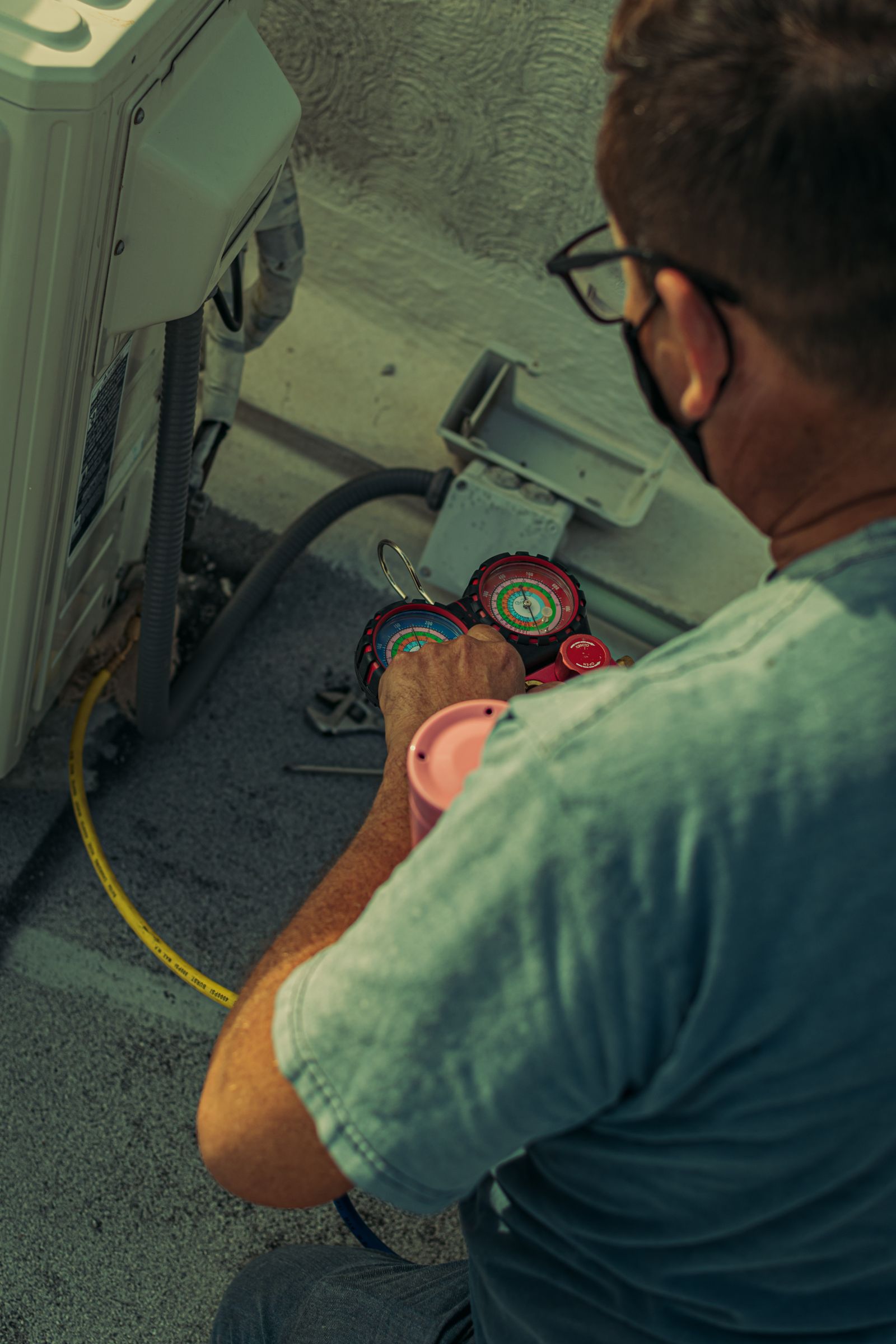
HVAC · EXAMPLE REQUEST
No cooling / AC not cooling · No heat / furnace not working · Water leak or frozen coil · Noise or odor from the system · Thermostat or controls · Tune-up / maintenance · Replacement estimate · New installation (mini split, ductwork, zoning) · Air quality / humidity equipment
Extreme indoor temperature or vulnerable occupant
a diagnosis such as "it is probably the capacitor or compressor"; a repair or replacement price; an exact arrival time or a guaranteed same-day slot; warranty or maintenance-plan coverage.
Diagnostic visit, repair or replacement scope; your approved price book.
Match system type, qualified technician, service area and visit duration. Diagnostic visits usually come before repair pricing; a replacement always needs an in-home visit before any price.
Photos are unposed stock photography illustrating each trade, not ATLAS employees, customers or a specific job. Configuration is verified against your service area, price book, qualifications and connected accounts.
TEN TRADES. ONE SHARED OFFICE PROCESS.
A roof assessment is not a cleaning visit. The questions change with your trade; the office still needs a clear request, a reviewed scope and a next step.
Keep customer details, service location and the reported problem together. Trade-specific checklists highlight information your office still needs.
Roofing: roof type, leak location and access.
Explore a roofing request ↗Edit a reply and prepare an estimate with your own line items and prices. Review the scope before making a commitment to the customer.
Remodeling: project scope, measurements and site-visit needs.
Explore a remodeling request ↗Record a preferred service window, review the next action and track the request’s status. Keep the office context with the job.
Cleaning: property size, access and preferred visit time.
Explore a cleaning request ↗Customer commitments always require your team’s review.
YOUR SYSTEMS. CONNECTED WITH INTENTION.

Gmail · Calendar · Sheets

Outlook · Calendar · Excel

REQARO billing
Google Workspace and Microsoft 365 connect directly today. Use a different email provider? Tell us during your pilot request and we'll discuss whether and how to support it — that is not yet a built connection. Connections depend on provider access and the customer’s plan. Third-party names do not imply partnership.
WHAT IT CAN AND CANNOT SAVE
REQARO does not answer calls or create new leads. What it changes is the office time each request takes: collecting missing details, drafting a reply, checking a time window. This calculator values only that time, using your numbers.
Every prefilled value is a placeholder assumption, not a U.S. industry average, a measured result or a guarantee. We found no independent study of office minutes per request, so the starting figure is only a placeholder. Time a few of your own requests and replace it.
Requests per month × minutes saved per request ÷ 60 × your loaded hourly office cost = value of office time. From that we subtract the plan, the one-time setup spread over the months you choose, and any other cost you enter.
The break-even line tells you how many requests per month the plan needs to handle before the saved time covers its cost at your numbers. If your real minutes saved are lower, the result gets worse; try 2 or 3 minutes to see how sensitive it is.
Not included: recovered demand, faster-response effects on booking rates, or any change to your crews. The optional capacity check below only shows whether your crews could take extra jobs if faster handling ever brought them; it is not part of the headline number.
US workflow references: ServiceTitan call metrics and Housecall Pro multi-visit jobs. They explain workflow terms; they do not validate the example numbers.
Break-even at your numbers: about 58 requests per month. Your entered volume is above that.
Only relevant if you believe faster handling would bring additional bookings. This is separate from the number above and is your assumption, not something REQARO promises.
USD. Setup is billed upfront; spreading it here is a comparison tool, not a payment plan. Taxes, financing, fixed overhead and costs you did not enter are excluded. No guarantee of time saved, revenue, profit or a number of jobs.

THE OFFICE SHOULD SUPPORT THE WORK.
A repair call. A recurring visit. A project consultation. Start with the right questions, keep your team in control, and know what comes next.
Find your tradeONE COUNTRY. A WORLD OF LOCAL BUSINESSES.
From Miami through America’s heartland to the West Coast — and from Anchorage to Hawaii. Your business has its own way of working. Your front office should reflect it.
Set your service territory, offered services and working hours. Location settings include Alaska and Hawaii time zones. Coverage, operating hours and provider availability are configured and verified for each business — not assumed from its location.





Real location photographs, not REQARO customer projects or evidence of nationwide service coverage. Coverage is configured and verified for each business.
FOUNDING SHOP PRICING · FIRST 10 CUSTOMERS
Scope and integrations are confirmed before purchase.
Core
Get every request ready for review.
+ $299 one-time setup
Start with a no-cost 5- or 10-day guided pilot on this plan — pay nothing until you choose to continue.
Start a Core pilotGrowth
Turn more requests into approved next moves.
+ $599 one-time setup
Start with a no-cost 5- or 10-day guided pilot on this plan — pay nothing until you choose to continue.
Start a Growth pilotScale
One request operation for more crews.
+ $1,199 one-time setup
Start with a no-cost 5- or 10-day guided pilot on this plan — pay nothing until you choose to continue.
Start a Scale pilotEvery plan starts as a no-cost guided pilot; nothing is charged until you and the founder agree in writing to continue. Plans exclude taxes and third-party services. Setup includes the agreed workflow, configuration and acceptance testing. Read the service scope.
THE PERSON BEHIND ATLAS

Can Harmanci
Founder · ATLAS AI
Cologne area, GermanySTRAIGHT ANSWERS
The interactive demo and private pilot workspace are available for evaluation. The demo uses synthetic examples. External messages, calendar bookings, AI processing and paid subscriptions are not active in this preview.
No. REQARO is designed to improve inquiry handling and the handoffs between your existing systems. Dispatch, accounting, payroll and specialist field-service operations remain with your existing tools.
Not in the current release. Voice and SMS require separately configured providers, usage pricing and consent controls. They are not included by default.
Both paths are part of the connection plan. Each customer account, mailbox permission and calendar operation needs an acceptance test. Shared Microsoft mailboxes require particular attention.
An agreed intake and review workflow, business rules, the selected supported connections and representative acceptance tests. Custom adapters and provider licensing are scoped separately.
It can. The checks are rules, not judgment: they can miss a hazard or misread a detail, so every request still needs a person on your team to read it before anything goes out. Nothing is sent, priced or booked automatically, and a safety keyword check is not a safety assessment.
The proposed service is month to month. Renewal, cancellation and any setup charges must be confirmed in the final order before billing is activated. No subscription starts in this preview.
YOU BUILT THE BUSINESS. TAKE BACK YOUR DAY.